You wrote a sentence. Hollywood called it a clip. Inside the Luma Dream Machine 4K Cinematic Engine (2026 Deep Dive)
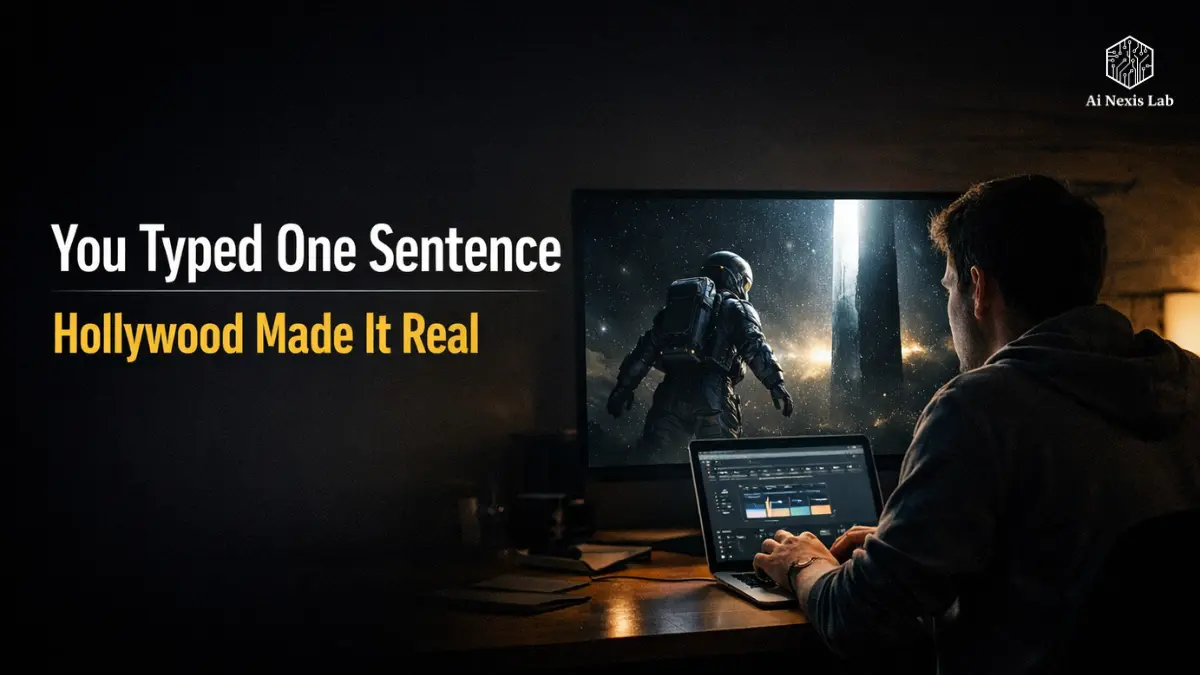
Table of Contents
Introduction: The Moment AI Stopped Being a Video Toy
Let’s get this debate out of the way.
Most AI video tools before 2025 were gimmicks. You’ll type something nice, generate, and get an impressive-looking clip for two seconds – until the physics break, faces distort, or the motion goes haywire.
Then something will change.
You will type:
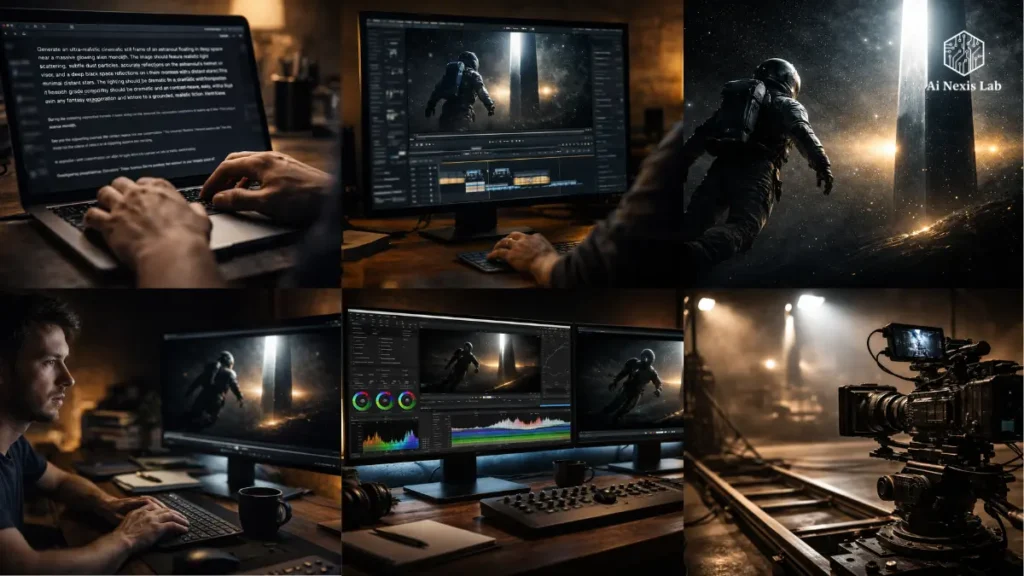
A lone astronaut in deep space… A slow camera pan… A structure shining in the distance… Particles floating in zero gravity.
After 90 seconds, you’re watching something that looks like it belongs in a Netflix science fiction opener.
That’s not an exaggeration. It is a Luma Dream Machine running on Ray3 / Ray3.14.
And here’s the key difference:
This isn’t just about generating video – it’s about trying to understand the purpose.
That’s why this is important.
If you’re serious about content – whether you’re a YouTuber, filmmaker, marketer, or just someone tired of low-effort AI junk – you need to understand what this tool actually does, where it fails, and how to use it without wasting time or money.
This guide does exactly that.
What The Luma Dream Machine Really Is (And Why It Hits Differently)
Short Version
Luma AI isn’t just another AI startup chasing trends. They started with 3D capture and spatial reconstruction, which meant they already had a deep understanding of how real-world environments behaved.
That foundation appears in the Dream Machine.
Most tools:
- Learn from images → fake motion
Luma:
- Learn from real video sequences → understand motion
That difference is huge.
Really Important Timeline
- Mid-2024 → Dream Machine launch (decent, not revolutionary)
- September 2025 → Ray3 drop (big leap)
- January 2026 → Ray3.14 release (fast, cheap, practical)
If you’re still reading stuff talking about Ray2 – ignore it. It’s outdated.
What The “Reasoning Video Model” Really Means
Marketing language aside, here’s the reality:
The model doesn’t just generate frames and hope they work.
It:
- Evaluates motion consistency
- Checks lighting logic
- Adjusts physics before output
Simply put:
- Old models → “generate and pray”
- Ray3 → “generate, evaluate, fix, then deliver”
Think of it this way:
| Junior Creative | Senior Creative |
|---|---|
| Executes immediately | Thinks before acting |
| Misses context | Understands intent |
| Delivers fast | Delivers right |
Ray3 behaves like the other.
Why Does Motion Feel “Cinematic”
Because it is inspired.
It’s a filmmaking term, and it’s important.
Bad AI video:
- Camera moves randomly
- Objects drift
- Motion exists for no reason
Dream Machine:
- Camera moves with purpose
- Objects react to physics
- Scenes feel directed
That’s why clips look “shot”, not “generated”.
4K Reality: What’s Real vs. What’s Marketing
Let’s get this straight, because most people misunderstand it.
Native vs Generated 4K
So no – it’s not raw native 4K like a cinema camera.
But no – it’s not stupid upscaling.
What HiFi Actually Does
Instead of pulling pixels, it:
- Reconstructs texture detail
- Reinterprets surfaces
- Increases lighting depth
It’s closer to:
“Re-rendering the scene at a higher resolution”
Not:
“Blowing up the image”
That’s why it thrives on:
- Large screens
- Advertising
- Broadcast visuals
HDR Advantage (This Is Huge)
This is where Dream Machine quietly crushes the competition.
It outputs:
- 10-bit / 12-bit / 16-bit HDR
- ACES (film industry standard)
That means:
- You can put clips into DaVinci Resolve or Premiere
- Color grade like real footage
- Match camera-shot scenes
Before this, AI video was stuck on social media.
Now it’s entering the real production pipeline.
The Brutal Truth: Most People Abuse 4K
If you’re generating everything in 4K:
You’re wasting money.
Proper workflow:
- Generate drafts (cheap)
- Select best clip
- Upscale one version
If you skip this, your price explodes for no reason.
7 Prompt Structures That Actually Work (Not Guesswork)
Let’s be honest: Most people are boring at prompting.
They write:
“Cool cinematic scene with nice lighting”
It’s useless.
Video prompting is direction, not narration.
1. Director’s Brief
Start with the camera movement.
Example:
A slow dolly-in on a lone lighthouse…
Why it works:
Immediately establishes purpose
Prioritizes model motion appropriately
2. Lighting Anchors
Lighting defines mood more than anything else.
Usage:
- “Golden Hour Side Light”
- “Harsh Overhead Industrial Lighting”
- “Neon Reflection at Night”
If you leave out the lighting, the results look flat.
3. Physics Flag
If speed is important, explain the physics.
Example:
Fabric reacting to strong wind with realistic drag
Alternatively:
- Cloth floats randomly
- Water looks fake
4. Scale Contrast
Big + small = cinematic tension
Example:
- Small human versus giant glacier
- Small object in a huge space
This immediately adds visual weight.
5. Temporal Structure
Define progress.
Instead of:
“A man walking”
Say:
Starts at the entrance, ends inside the dim cave
Now you have a story.
6. Mood Combination
Emotion + technical details.
Bad:
Sad scene
Good:
Desaturated tones, shallow depth, melancholic mood
7. Context Anchor
Upload image.
This:
- Styles locks
- Controls color
- Stabilizes texture
Without this, the results are more runny.
Common Mistake (And It’s Costing You Quality)
People overload the prompt.
Explosion + fight + rain + dog + car crash
Result = chaos.
Focus on:
- One subject
- One motion
- One idea
Clarity beats complexity every time.
Camera Control, Keyframes, and Realistic Direction
This is where Dream Machine sets itself apart.
He understands the language of film.
What Works Consistently
- Dolly-in/out → emotional load
- Tracking shot → follows the subject
- Aerial shots → extremely strong
- Slow motion → surprisingly accurate
- Dutch tilt → requires clear instruction
Keyframes = Underrated Power Tool
You define:
- Start frame
- End frame
Model fills in the motion.
Use cases:
- Environment entry
- Lighting transitions
- Scene progression
This turns random clips into a directed sequence.
Feature Modification (This Is a Game Changer)
Instead of Reproducing Everything:
You say:
Darken the background, add fog
And it:
- Keeps the motion
- Adjusts the environment
- Preserves the structure
The difference between this is:
- Tools
- Workflow
Character Consistency (Reality Check)
It helps – but it’s not perfect.
Works well:
- Single subject
- Static scenes
Breaks:
- Multiple people
- Complex motion
If you expect perfect continuity – you will be disappointed.
6 Output Fix Strategies (Because They Will Fail Sometimes)
If you think this tool works perfectly, you are wrong.
Pros iterate too.
1. Isolation
Fix one element at a time.
Bad:
- Fix everything at once
Good:
- Resolve the water → then reintroduce the topic
2. Anchor Swap
Use the generated image as a base.
This stabilizes:
- Composition
- Lighting
- Opening Frame
3. Mood Reduction
Too dramatic?
Remove the adjectives.
Yes, seriously.
4. Style Swap
Good speed, bad looks?
Use edits instead of re-creates.
5. Narrative Planning
This tool generates clips – not stories.
You:
- Create sequences
- Connect shots
6. Draft Loop (Non-Negotiable)
If you ignore this, you’re burning money.
Process:
- 6-10 drafts
- Choose the best
- Upgrade one
Anything else is inefficient.
Pricing: What You Really Pay (No BS)
The reality is here.
Plans (2026)
- Free → Useless for real work
- Plus ($30) → Minimally practical
- Pro ($90) → Serious use
- Ultra ($300) → Heavy production
The Important Part: Credit Differences
Same clip:
- Draft → Cheap
- HDR → Expensive
The difference can be 40×+
If you don’t understand this:
- You’ll overspend
- You’ll get less output
A Practical Budget Strategy
- 80% credits → drafts
- 20% → final render
Anything else = inefficient.
Dream Machine vs. Competitors (Honest Breakdown)
Where It Wins
- Cinematic Motion
- HDR Output
- Workflow Efficiency
- Editing Flexibility
Where It Loses
- Multi-Character Scenes
- Long Clips
- Complex Choreography
Reality Check
No One Tool Can Win Everything.
Best Setup:
- Dream Machine → Cinematic Shots
- Other → Specific Use Cases
If you expect one tool to do everything – you’re thinking wrong.
Real Use Cases (Not Theoretical)
1. Advertising
Teams:
- Test concepts before shooting
- Show clients real visuals
Huge time saver.
2. Filmmaking Pre-Vis
You can:
- Visualize scenes
- Pitch to investors
- Plan shots
Without spending money.
3. Content Creation
Uses:
- Pitch to B-roll investors
- Transitions
- High ROI, low effort.
4. Game Development
Quick:
- Visualize worlds
- Set the tone
- Align teams
Best Underrated Use
Custom B-roll library.
Much cheaper than:
- Stock footage
- Filming
Where It Still Fails (Don’t Ignore This)
1. Multi-Character Scenes
Still weak.
Expectations:
- Broken interactions
- Awkward pacing
2. Dialogue
No audio + poor lip sync.
Not useful for:
- Dialogue scenes
- Dialogues
3. Long Clips
Beyond ~15 seconds:
- Reduced quality
- Reduced logic
4. Realistic Locations
It produces:
- “Believable” locations
Not:
- Accurate real-world replicas
Bottom Line
If you push it beyond its capabilities, it breaks.
It’s up to you – not the tool.
The Next 18 Months (What’s Really Coming)
1. Audio Integration
This is the biggest difference.
Once added:
- Big jump in realism
- More use cases
2. Longer Compatibility
10-20 second limit will increase.
It changes:
- Storytelling
- Editing workflow
3. Deep Adobe Integration
Expectations:
- Generation in timeline
- Rapid iteration
4. Data Benefits
30 million users = massive training feedback.
This compounds quickly.
Frequently Asked Questions
Is Dream Machine really free?
Technically yes – practically no.
The free plan is good for:
1) Learning
2) Testing signals
But:
1) Watermarks will remain
2) No commercial use
If you’re serious, you’ll upgrade.
Can you use it for paid work?
Yes – but only on paid plans.
If you try to:
1) Monetize
2) Run ads
3) Work with clients
In the free tier → you are violating the terms.
Easy.
How many videos can you generate?
Depends on the quality.
Example:
1) Draft → Hundreds
2) HDR → Very Few
Your workflow determines the output – not just your plan.
Is it better than Sora?
Now?
More useful.
Sora:
1) Potentially strong for the long term
Dream Machine:
1) Available
2) Practical
3) Integrated
Use what you can actually ship with.
How do you keep the characters relevant?
Use:
1) Reference images
2) Same prompt structure
3) Improve rather than reinvent
But don’t expect perfection.
It’s not there yet.
Final Verdict (No Pretense)
Score: 9.1 / 10
The truth is:
- It’s not perfect
- It will disappoint you
- It will fail sometimes
But:
When it works – it’s surprisingly good.
The Real Question
is not:
“Does this replace filmmaking?”
It doesn’t.
It’s not:
“Does this change who can make cinematic content?”
Yes. Absolutely.
What You Should Do (If You’re Serious)
- Start for free → Learn prompting
- Go to Plus → Unlock real use
- Master draft workflow
- Stop overcomplicating scenes
If you skip the basics, the tool won’t save you.