Adobe Firefly 3: The Death of “Good Enough” in Modern Design
Adobe Firefly 3 guide with 7 proven ways it transforms design workflows, boosts quality, and cuts production time. Real 2026 insights designers can use now.
Good Enough is officially dead.
If you’re still opening Photoshop in 2026 the same way you opened it in 2018 – stock tabs open, pen tool ready, mentally prepared for three hours of masking – then you’re not being disciplined. You are becoming inefficient.
And in this market, inefficiency is punished.
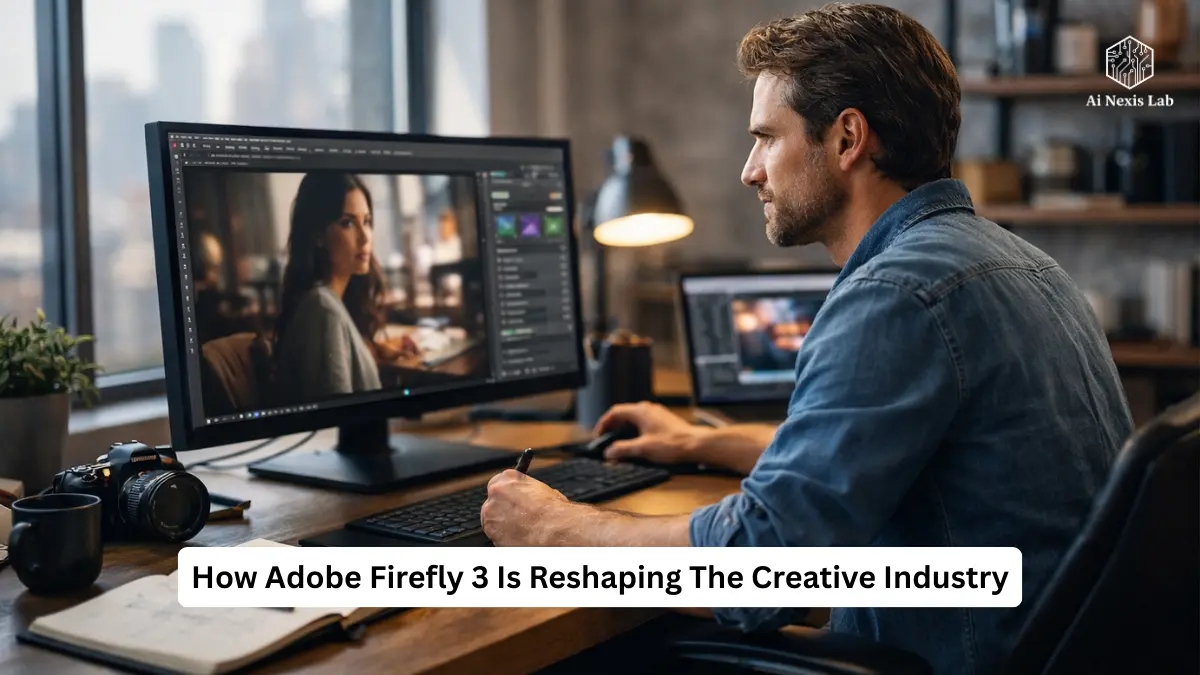
The release and maturation of Firefly 3 within the Adobe ecosystem is not just another feature drop. It’s a change in how visual production actually works. Not the concept. Not the art direction. The production.
This is the part that most designers secretly don’t like to admit consumes their day.
This isn’t hype. This is workflow math.
Let’s break it down properly – no buzzwords, no breathless “AI is magic” nonsense. In 2026, the U.S. What changed when working in the creative market, why it matters, and how it affects your career.
Table of Contents
The Real Problem: Designers Are Not Paid for Busy Work
Let’s start with something uncomfortable.
Clients don’t pay you to:
- Remove flyaway hair
- Expand background to 16:9
- Search for “diverse businessman in natural light” for 45 minutes
- Get three color temperatures in mismatched stock
They pay for:
- Concept
- Taste
- Strategy
- Execution quality
Everything else is overhead.
Historically, overhead took up most of the day. It was “normal.” Firefly 3 makes it optional.
If you’re not reducing production friction in 2026, you’re either ignorant – or resistant.
Image 3 Model: The End of “AI Appearance”
What Really Changed
Previous AI image generators had this to say:
- Plastic skin
- Overly smooth surfaces
- Artificial-looking lighting
- Random anatomical glitches
The Image 3 model solved the most important issue inside the firefly: interpretation fidelity.
It’s not about high resolution. It’s about contextual reality.
When you ask:
“Macro photography of rain on mossy rock, cinematic lighting, shallow depth of field”
Now you get:
- Realistic moisture refraction
- Organic texture variation
- Proper depth mapping
- Physically reliable lighting falloff
That last one is huge.
Designers can spot bad lighting immediately. Customers can’t articulate it – but they feel it. Firefly 3 finally produces lighting that holds up to 5K displays and print spreads.
Why This Matters In The U.S. Market (2026)
The American design market is saturated. After 2023, freelance platforms exploded. Agencies consolidated. In-house teams shrank but expect higher output.
Speed + quality wins.
Before:
- AI = Concept Tool
- Stock = Product Asset
Now:
- Firefly = Product Asset
If you’re still using AI for “just inspiration,” you’re behind.
Structure Reference: Control Poetry Without Prompts
The Big Lie About AI
People Say:
“You Just Need Better Prompts.”
No. That’s a cop-out.
Designers think spatially. AI thinks linguistically. That was a mismatched bottleneck.
Structure Reference solves that.
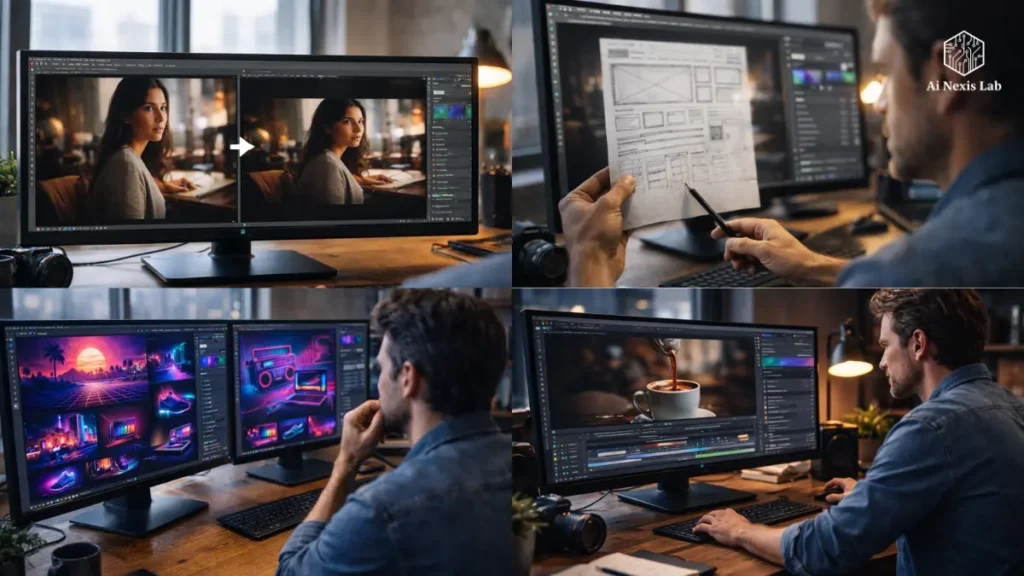
You upload:
- A sketch
- A layout
- A photo
- Even a wireframe
Firefly uses it as geometric scaffolding.
It respects:
- Object placement
- Negative space
- Proportional balance
Real workflow example
You are creating a homepage hero for a fintech startup.
You sketch:
- Phone mockup left
- Headline space right
- Subtle city skyline background
Upload sketch → Prompt for cinematic dusk lighting → Done.
You didn’t describe the layout. You showed it.
That eliminates 80% of prompt frustration.
The Brutal Truth
If you’re still trying to “describe the structure” in paragraph-long prompts instead of using structure references, you’re wasting time.
Use the tools correctly.
Style Reference: Brand Consistency at Scale
Brand work is not about creating a good image.
It’s about creating 30 images that look unified.
In 2026, brands expect:
- Social packs
- Display ads
- Landing page visuals
- Email graphics
- Shorts thumbnails
All visually organized.
The style reference allows you to upload a “hero look” and propagate it across assets.
It reflects:
- Color palette
- Contrast profile
- Lighting direction
- Surface texture
- Overall mood
Example: Retro tech brand
Upload:
- A neon 80s inspired hero image
Generate:
- Laptop
- Sneakers
- Cityscape
- Product flat lay
Everything inherits neon DNA.
Previously, you:
- Apply presets
- Adjust curves
- Match grain
- Tweak hue
Now? It is baked from generation to generation.
Harsh Reality
Designers who cannot maintain brand consistency can be replaced.
Firefly makes compatibility easy. That means your value goes up – in perception and taste.
Now you don’t have to hide behind “production takes time.”
Generative Fill and Expand: Production just got faster
You already know about Generative Fill in Adobe Photoshop.
But the intelligence level in Firefly 3 is different.
What’s improved
- Edge blending is more context-aware
- Lighting recalculates instead of pasting
- Texture adapts to environment
- Perspective is more accurate
Example 1: Change clothes
Old way:
- Clone
- Mask
- Combine
- Blend modes
- Color grade
New way:
Select shirt → prompt “Black leather jacket, studio lighting” → Firefly recalculates highlights and shadows.
Done.
Example 2: Expand to 16:9
You shot vertically.
The client wants a cinematic banner.
Generative Now Expand:
- Expands the environment believably
- Matches the depth of the atmosphere
- Shadows continue logically
It’s not perfect – but it’s 85-90% accurate on the first pass.
And that’s good enough.
Commercial Safety: A Really Important Feature
Let’s stop pretending aesthetics are the biggest concern.
There is a legal risk.
Firefly is trained on:
- Adobe Stock
- Licensed Content
- Public Domain Data
It is fundamentally different from the scraped web training set.
In the U.S. corporate environment – finance, healthcare, education – legal approval is more important than style.
Firefly includes content credentials, which are tied to Adobe’s comprehensive authentication initiative.
It gives you:
- Provenance Tracking
- Transparency
- Commercial Returns
If you’re pitching to a Fortune 500 company, it’s the difference between approval and rejection.
Midjourney can’t compete here.
Firefly Video Model: Real Disruption
Still images were the first step.
Video is where the budget explodes.
The emerging Firefly video model aims to solve a brutal production problem: B-roll gaps.
You are editing in Adobe Premiere Pro.
You need:
- 3 second coffee pour
- 5 second skyline transition
- Abstract motion background
Instead of:
- Stock hunt
- Licensing
- Color matching
- Cropping
You generate it.
If the color science matches your footage, it simply changes the post-production economics.
Agencies will cut shoot budgets again.
In-house teams will move quickly.
Freelancers who understand this will bill more efficiently.
Illustrator and Text to Vector: 90% Solution Rule
Vector AI is used to output flattened junk.
Now within Adobe Illustrator, Text to Vector offers:
- Grouped shapes
- Editable anchor points
- Layer separation
Is it perfect? No.
Often:
- Makes the path more complex
- Adds unnecessary anchor points
- Needs simplification
But here’s the right mindset:
AI gives you 90%.
You refine the final 10%.
If you treat it like a complete task, you will produce normal output.
If you dominate it like accelerated scaffolding, you will dominate.
Workflow Integration: The Invisible Advantage
The most underrated feature?
You never leave Creative Cloud.
You don’t:
- Open browser tab
- Download PNG
- Reimport assets
You select, prompt, generate within the document.
The flow state remains intact.
And the flow state is where your real value resides.
Firefly Economics in 2026
Let’s talk numbers.
Typical freelance designer hourly rates in major U.S. cities (2026 average):
- $65–$120/hour
If Firefly saves:
- 2 hours per project
- 10 projects per month
That’s 20 hours recovered.
$85/hour average:
→ $1,700/month productivity shift.
Either:
- You work more
- Or you work fewer hours
- Or you increase creative depth
It is financially irrational to ignore it.
Firefly vs. Midjourney (Honest Comparison)
Midjourney:
- Often more stylized
- More dramatic aesthetic
- Loose control
Firefly:
- More controlled
- More brand-safe
- Fully integrated
- Commercially safe
Use Midjourney for search.
Use Firefly for deliverables.
It’s a practical department.
Will Designers Be Replaced?
No.
But average designers will struggle.
Firefly will change:
- Masking
- Stock hunting
- Basic compositing
- Background extension
It does not change:
- Taste
- Circumcision
- Strategic thinking
- Cultural awareness
- Brand storytelling
If your value was only technical implementation, then yes – you are vulnerable.
If your value is thinking, then you’ve just been supercharged.
The Shift In Designer Identity
Pre-AI:
“I make things.”
Post-Firefly:
“I direct systems.”
It’s a mental upgrade.
You are less of a technician.
More of an orchestrator.
The faster you embrace that change, the stronger your position in the industry will be.
Frequently Asked Questions
Is Firefly 3 really production-ready for client work?
Yes—with context. For photorealistic compositions, it is also robust enough for the web, social media, and many print applications. High-end beauty retouching and luxury product campaigns may still require traditional workflows. But for 80-90% of commercial digital work, it is practical. The main thing is to refine – do not blindly accept the first output.
How many generative credits do professionals realistically need?
If you’re running high-volume reps, free tiers won’t cut it. A mid-level freelancer generating daily can burn hundreds of credits a week. Budget for a paid Creative Cloud plan. It’s cheaper than lost time.
Is my Creative Cloud data used for AI training?
Adobe states that private Creative Cloud files are not used to train Firefly models. Training data comes from licensed and public sources. For enterprise users, this is important. For freelancers, it should be even more important.
Does using Firefly make your work seem normal?
Only if you lack direction.
Generic cues → generic output.
Strong references + strong structure → distinctive results.
AI doesn’t erase taste. It amplifies it.
What skills matter most in the Firefly Age?
1) Art Direction
2) Instant Clarity
3) Scene Hierarchy
4) Editing Decisions
5) Brand Systems Thinking
Consider What’s Missing:
Manual Masking.
The Bottom Line
Firefly 3 is not about changing designers.
It’s about eliminating excuses.
You can no longer say:
- “That will take a long time.”
- “We don’t have a budget.”
- “We don’t have the stock.”
If you choose not to integrate this into your workflow, that’s okay.
Understand what you are choosing:
Slow output.
More friction.
Lower margins.
In 2026, the market will reward efficiency and taste.
Firefly 3 gives you efficiency.
The taste is still up to you.
And that’s exactly how it should be.