Forget digital hoarding: Why Notion AI is the real foundation of a second brain
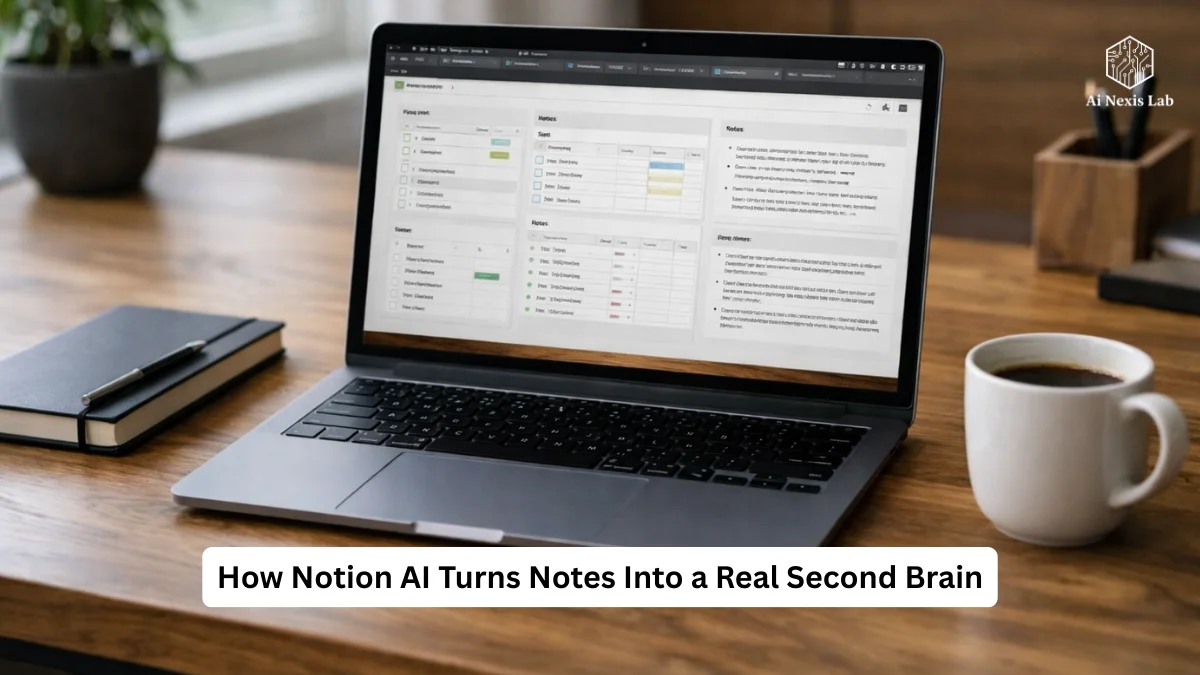
Learn how to build a Notion AI Second Brain using proven smart workflow strategies that improve retrieval, synthesis, and real productivity.
For years, “creating a second brain” was sold as a solution to modern information overload. Save it all. Tag it. Categorize it. Believe that you will be grateful in the future.
Really?
Most of the second brains became graveyards.
Beautiful dashboards over dead notes no one ever opened again.
The problem was never storage.
It was retrieval.
And more importantly – synthesis.
Notation AI didn’t just improve note-taking.
It changed the physics of knowledge work.
If you’re a power user – someone who already lives in Notation databases, relationships, rollups, and templates – this isn’t another beginner’s guide. This is a technical breakdown of how Notation AI turns a static workspace into an active cognitive system, where your notes don’t just sit there – they talk back, connect, and generate insights on demand.
No hype. No fancy features. Only what really works in 2026 – and how to use it properly.
Core Problem: Traditional Second Brains Fail to Find Meaning
Classic second brain systems (PARA, Zettelkasten, GTD hybrids) assumed that humans:
- Continuously capture
- Properly categorize
- Remember where things were stored
- Manually connect ideas later
It works on 200 notes.
It breaks down at 20,000.
Keyword search is not intelligent retrieval. It is string matching. It does not understand intent, context, or semantic similarity.
Example:
You saved a note about “Pricing Concerns in SaaS Onboarding” six months ago.
Later, you search for “Customer Churn Pricing.”
No hits – even though that note is exactly what you want.
Your brain remembers the meaning.
Folders store labels.
Traditional systems can never fill that gap.
This is the crack that Notion AI fills.
What Notion AI is really like in 2026 (not a fantasy version)
Let’s get specific.
Notion AI in 2026 has:
- A large-scale language-model layer embedded directly within pages and databases
- Able to read all workspace content you have access to
- Able to summarize, transform, reorganize, and draft content
- Able to answer natural-language questions in your workspace
- Able to generate database property values (AI columns)
- Able to call connected tools (Google Drive, Slack, Calendar, etc.) in supported plans
- Able to run multi-step prompts within templates
What it doesn’t have yet:
- A fully autonomous background agent that operates without prompting
- A personal predictive assistant that surfaces information without asking
- A long-term memory model that permanently learns your personality
Those are emerging directions. Not yet mainstream product features. So we won’t pretend otherwise.
Now – what it enables is still a structural change.
The Real Upgrade: From Storage System to Queryable Knowledge Graph
Once Notion AI can read your entire workspace, even if you’ve never explicitly linked them.
That means:
- Meeting notes
- Journals
- Research clips
- Strategy docs
- Brain dumps
- Project trackers
…all become queryable as a single knowledge field.
Not by tags.
Not by folder paths.
By meaning.
This is truly a second brain.
Architecture: PARA still works – but AI changes the load
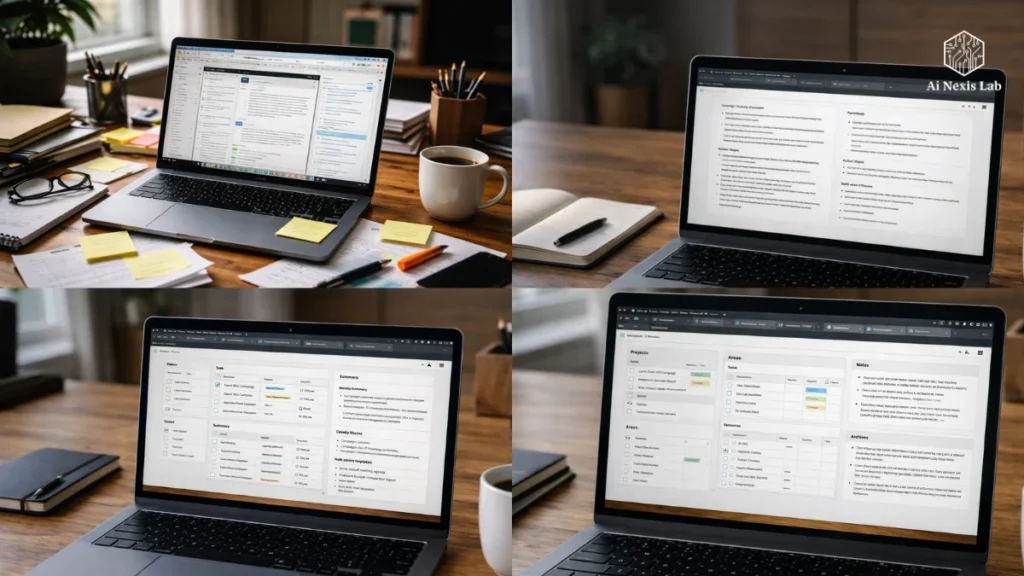
PARA remains a clean macro-structure:
- Projects – Active Results
- Areas – Ongoing Responsibilities
- Resources – Reference Material
- Archives – Inactive Material
But pre-AI PARA required constant maintenance:
- Moving notes between databases
- Re-tagging
- Renaming
- Determining where each piece belongs
With AI, the structure loosens up – because retrieval is no longer dependent on complete filing.
Power-user implications:
You can bias towards a quick capture, a lean organization, and let AI handle the meaning-making later.
That’s the reverse of the old second brain dogma.
And it’s true.
Capture Layer: Zero-Friction Intake with Instant Distillation
Most people still think of capture as “save now, process later”.
Then it never happens.
Now the right pattern:
Capture → Instant Distill with AI → Store Distilled Result
Example Capture Workflow:
Dump Raw Transcript to Notation Page
Run AI Prompt:
“Extract:
- Key Decisions
- Assigned Owners
- Timelines
- Mentioned Risks”
Store Extracted Result in Structured Database Field
Archive Raw Transcript if Needed
Now you have queryable structured intelligence in your database, not unreadable text blobs.
This is the difference between storage and knowledge-building.
Database AI Properties: Turning Notes into Live Metadata
This is one of the most underused Power features.
In the Notion database, you can now create:
- AI Summary Column
- AI Tags Column
- AI Risk Column
- AI Insight Column
These properties auto-generate text based on page content.
Example:
Database: “Research Papers”
AI Property Prompt:
“Summarize the main hypothesis in one sentence.”
Now shows hypothesis summaries without having to open hundreds of papers in your gallery view.
This turns the database not just into a filing cabinet, but into a semantic dashboard.
Natural Language Q&A: Asking for Meaning in the Workplace
This is the real unlock.
Instead of searching for:
“Price onboarding”
You ask:
“Which notes mention user concerns about price during onboarding?”
And Notation AI scans:
- Meeting notes
- Articles
- Journals
- Research
- Client feedback pages
then returns relevant paragraphs.
This is not search.
It’s semantic recall.
And it scales with data volume – meaning the more you use the notation, the more robust the system becomes.
Cross-Database Synthesis: Forcing Idea Clash
Old Problem:
Insights trapped in separate databases never get found.
New workflow:
Create a page called “Insight Lab”.
There you get a prompt to run:
“Analyze my client meetings database and market research database from the last 30 days. Identify recurring pain points.”
“Compare themes in my journal entries with trends in my research clips.”
This is forced synthesis – something humans rarely do manually because it’s tedious.
AI does it in seconds.
This is where original thinking emerges: not from new information, but from recombining stored meaning.
AI Inside Templates: Eliminating Blank-Page Friction
Templates are where power users live.
AI blocks inside templates change everything.
Example Template: Meeting Notes
- Raw Notes Section
- AI Block: “Summarize the meeting in 5 bullets”
- AI Block: “Establish action items with owners”
- AI Block: “Draft follow-up email”
Every new meeting page now automatically generates structured output.
You are not writing a summary.
You are monitoring the synthesis.
That’s leverage.
Active Memory: Turning the Second Brain into a Learning Engine
Most knowledge systems store information passively.
With AI, you can generate:
- Comprehension quizzes
- Simple explanations
- Counterarguments
- Check for missing nuances
Example:
After saving a research article:
Prompt:
“Generate 5 advanced comprehension questions from this text. Do not reveal the answers.”
Now your reading database becomes a self-testing knowledge gym.
That’s real learning. Not storage.
Integration Level: Notation as a Command Center
Notion AI can now access connected tools in supported plans:
- Google Drive documents
- Slack threads
- Calendar events
- Notation mail
This means:
“What did we decide about the Alpha project in last week’s Slack thread and calendar meeting?”
And AI pulls cross-tool context.
This turns the notation from a “workspace” into a central nervous system.
Not perfect yet.
Still improving.
But directionally clear.
What really saves time (measured reality)
Power users who adopt structured AI workflows consistently report:
- Saved 10-20 minutes per meeting on summaries
- Saved 1-2 hours per week searching for old notes
- Faster project escalation when revisiting paused work
- Reduced duplication of research
No imaginary “10x overnight.”
Just consistent cognitive load reduction.
That’s sustainable ROI.
Common Mistakes That Power Users Still Make
1. Over-Engineering Dashboard
If the system takes longer to work than it should – you’ve failed.
2. Asking for vague cues
“Summarize this” = generic output.
“Summarize for an executive focused on financial risks” = useful output.
3. Letting AI change thinking
If you never read the source material, you build shallow knowledge. AI accelerates thinking – it doesn’t replace it.
4. Treat AI as a writer, not a structure engine
The best use is scaffolding, not final prose.
Privacy Reality Check
Notion states that workspace data is not used to train models for other customers.
Enterprise plans allow for strong data controls.
Still:
Don’t store passwords.
Do not upload regulated legal or medical records without a compliance check.
AI feature security doesn’t override fundamentals.
Platform Direction (Next 12-24 Months)
Notion is clearly moving towards:
- More cross-tool context
- More workflow automation
- More multi-step agent behaviors
- More database intelligence
But even today, you run prompts.
There is no quiet autonomous brain yet.
Which is good – because autonomy without control is chaos.
Frequently Asked Questions
Q: Is Notion AI better than ChatGPT?
A: They solve different problems.
ChatGPT = Global knowledge, zero memory of your workplace.
Notion AI = limited world knowledge, deep awareness of your data.
Serious users often combine the two:
ChatGPT for external research.
Notion AI for internal synthesis.
Q: Does Notion AI work on my notes?
A: By 2026, Notion says customer data will no longer be used to train shared models. Enterprise contracts offer stronger guarantees. However – check policies for regulated environments.
Q: Can it really read my entire workplace?
A: Yes – anything you have permission to access within the workplace can be used for AI queries and summaries. Permissible boundaries are respected.
Q: Will the thousands of notes slow him down?
A: No. AI queries scale with data volume. Larger workplaces generally improve the consistency of recovery, not reduce it.
Q: Does it work on handwritten notes?
A: Only after OCR conversion. Typed text works best. Tablet handwriting recognition relies on clarity.
Q: Is it worth paying?
A: If you run frequent meetings, research workflows, or complex projects – yes.
If you’re just storing casual notes – probably not.
AI value is measured with data and intensity of use.
Final Verdict: Second Brains Finally Work
The original second brain idea failed because humans are bad librarians.
Imagination AI improves retrieval.
Retrieval unlocks synthesis.
Synthesis produces insights.
Insights produce output.
It is a chain.
Not storage.
Not a dashboard.
Not aesthetics.
Retrieval at Earth scale.
It’s transformation.
Your practical next step
Don’t rebuild your entire system.
It’s procrastination disguised as productivity.
Instead:
- Select an active project
- Dump all relevant notes into one page
- Run this prompt:
“From everything above, generate:
- Current project status
- Open risks
- Next concrete actions
- Missing information I should collect”
Watch your notes start working for you.
It is another brain – not as an archive – but as an engine.
And this is where Notion AI really finds its place in 2026.